2.5 Connection Errors & Other Issues
⚡ Some solutions to problems that may be encountered
** Black screen of the phone when entering the password**
1.Turn off input protection : phone system settings input method settings secure keyboard / secure input
2.Turning off payment protection: cell phone system settings payment protection
3.Android 11+ No solution for now due to security limitations of the phone system
How to do text input?
Phone->System Settings->Input Method Settings-> Switch Input Method to [Laixi KeyBoard].
ADB Conflict | How to deal with it??
Solution 1: Find the adb.exe process in the task manager and end it all. Or restart the computer.
Solution 2:Check if the following software is installed on your computer.
Other software in the same category|Mobile Assistant|Android Emulator| These programs are recommended to be uninstalled as they can cause conflicts.
Laixi - Toolbox - Backup and Recovery
1.Backup the laixi.db file in the My Document/laixi path. This file holds group, number, and note information..
2.Backup ADB license file.
Path C:\User\Your computer username.android\ adbkey.pub and adbkey are the 2 files.
After reinstalling the system or on a new computer, follow the above path to restore.
Installation of the WebView2 component fails, or the WebView2 component is not installed.
If you encounter this problem during the installation process, please try the following ways to solve it:
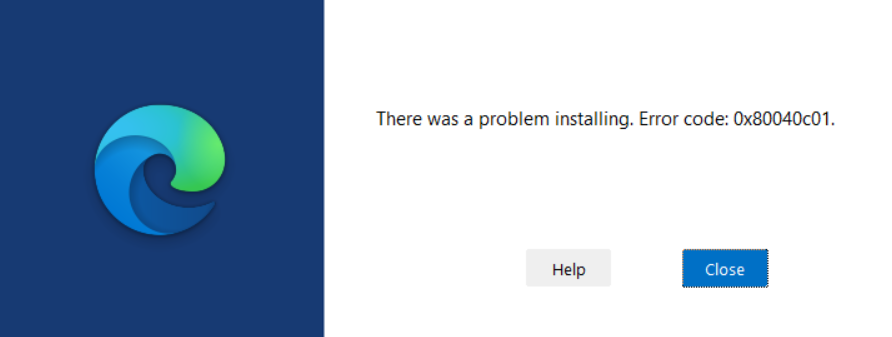
forcible deletion *C:\Program Files (x86)\Microsoft* ,Then try reinstalling.
If you can't delete it, please reboot your system and try to delete it.